Play Leagues for Prizes!
Magic Online has a wide variety of tournament and League events for players of all skill levels!
Leagues - Play Anytime
Magic Online’s Leagues are designed to work with your schedule – letting you play a number of matches over several days or weeks. Rack up enough wins to earn prizes like Booster Packs, Play Points, Treasure Chests, Trophies (for earning Prestige avatars), and seasonal Qualifier Points you can grind for to enter Premier Play!


1) Find & Join a Constructed League
To join a Constructed League, start in the Play Lobby, then choose Constructed, and then click any event listed as a League. Select your deck and visually confirm any late changes to it from Collection in the Play Lobby.

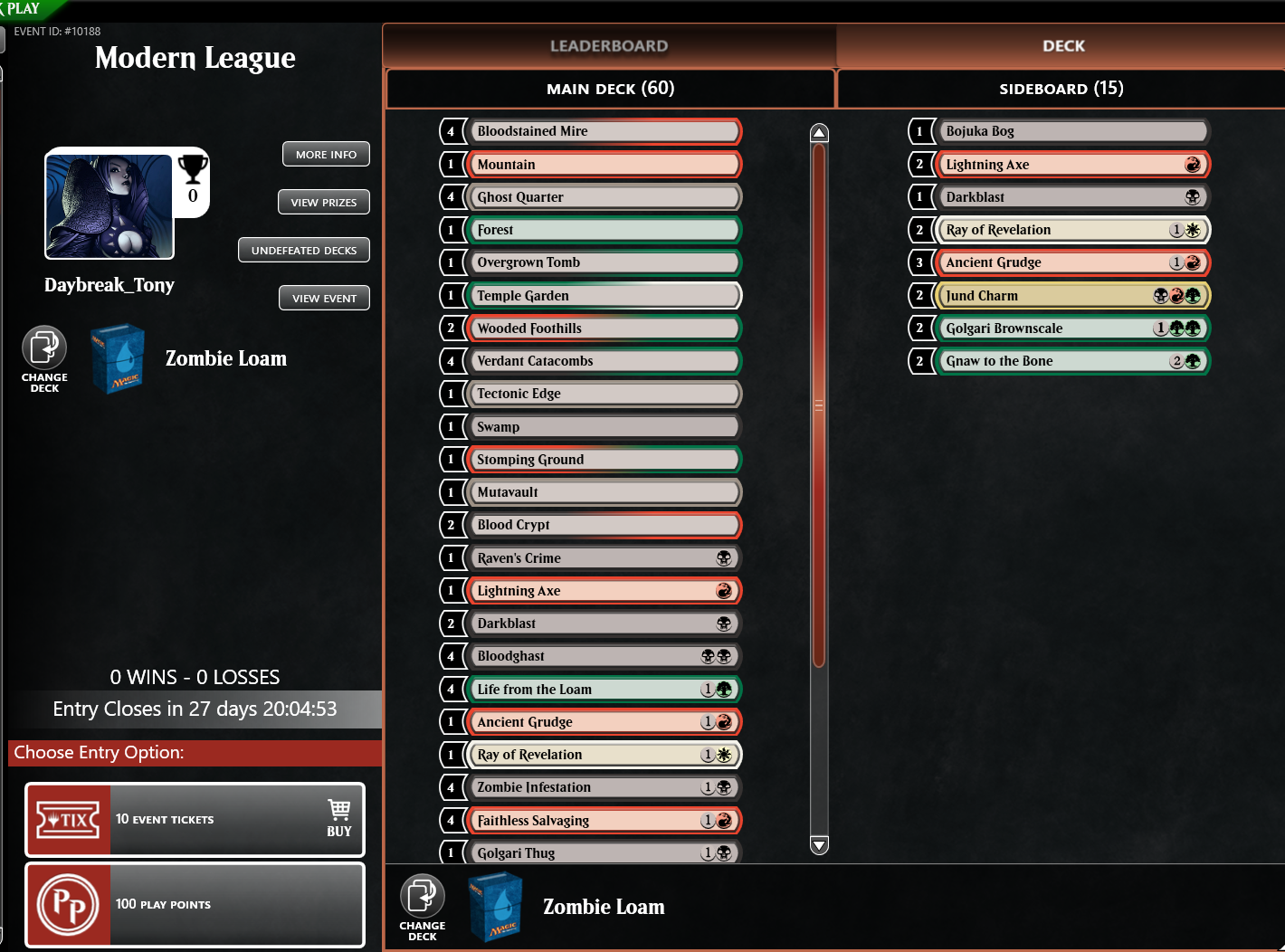
Before joining, check out how much time remains in the League. Click your preferred entry option and click Join on the confirmation pop-up. Cards in an active event are locked from list changes or trading until you finish playing in that League or tournament (whether by dropping or the event ending on its own).
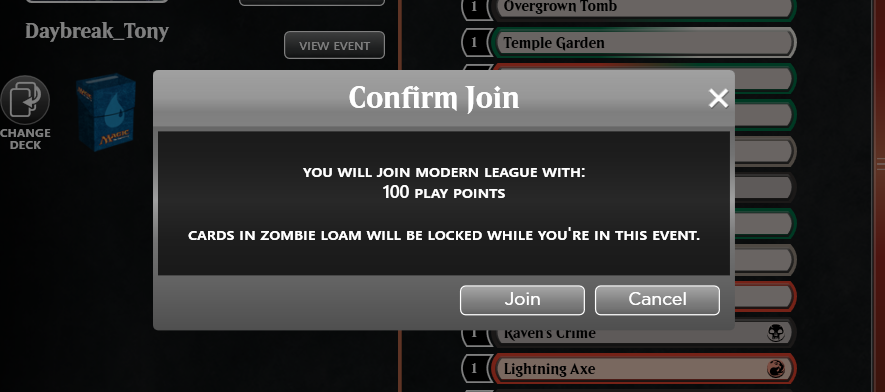
2) League Details - Info Hub of the League
Once you have joined, you'll see the League Details window.
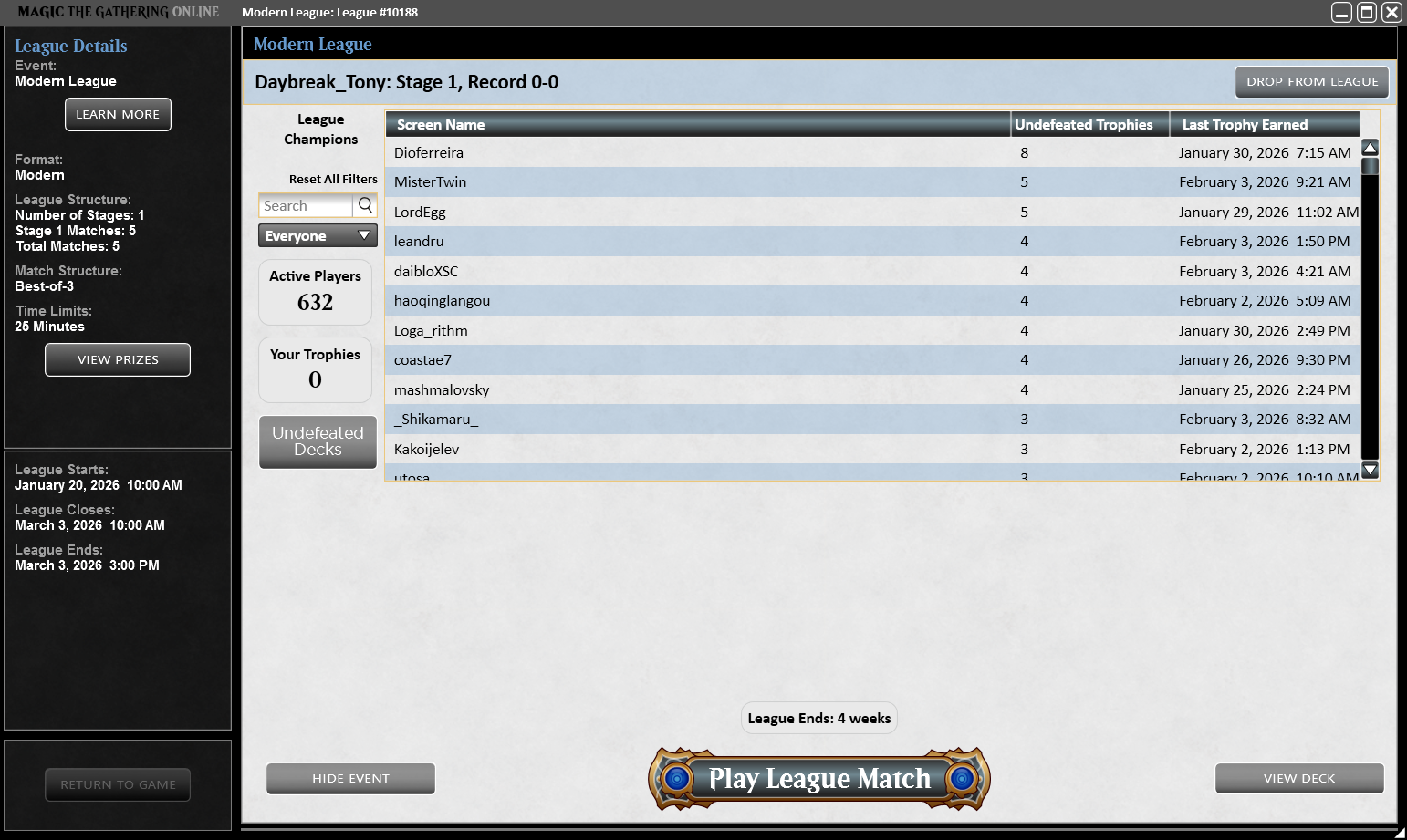
Almost all Constructed Leagues are comprised of a course of five matches. While Leagues can last weeks or even months, they will eventually come to an end when a new set arrives. The deadline to begin a new course of a League is shown under League Closes, and no new matches can begin after the League Ends time.
Players who finish their course without a loss earn a trophy and are displayed in the League Champions section. Clicking the Undefeated Decks button links you to a sampling of undefeated decklists from Constructed Leagues and high-level tournaments.
3) Hop into the Matchmaking Queue
Once you are ready to begin play, click the big Play League Match button. If you change your mind and want to step out of the queue prior to playing a match, click Cancel.
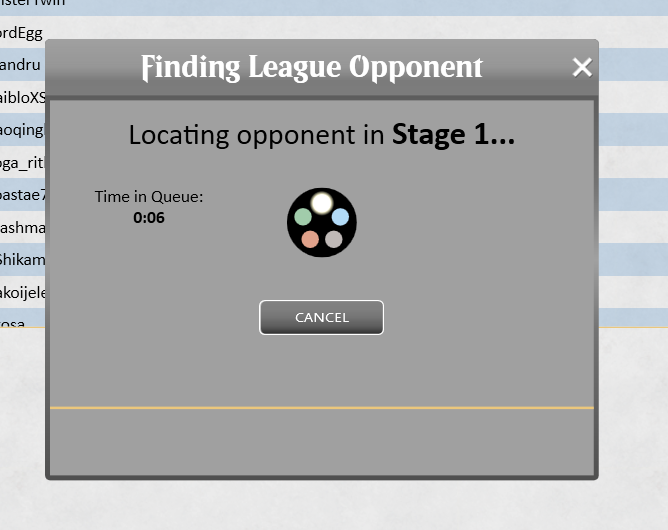
The game will attempt to pair you with someone with the same record. In most Leagues, the more time that passes, the wider the range of opponents will be considered for matchmaking.
4) Saving League Progress or Dropping
It is not necessary to play all matches of a League course in one play session – closing Magic Online will not drop you from your active Leagues. To save your League progress to play again another time, close the League Details window while you are between matches.
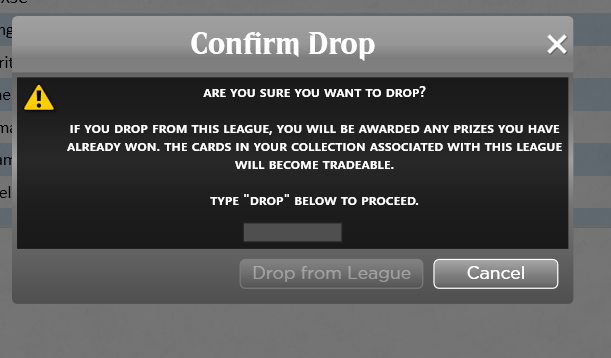
If instead you would like to drop from the event, click the Drop from League button in the top-right corner and confirm.