Gameplay: Multiplayer & Commander
The Multiplayer Duel Scene looks and feels a bit different from the two-player game. This section will lay out the basics about the game's interface, not the basics of Magic.
All of these procedures assume that you are already in a game. If you have questions that are not answered here, please contact Customer Support at help.mtgo.com (your login and password there as the same as for your Magic Online account).
Here's the lowdown ...
Multiplayer Battlefield
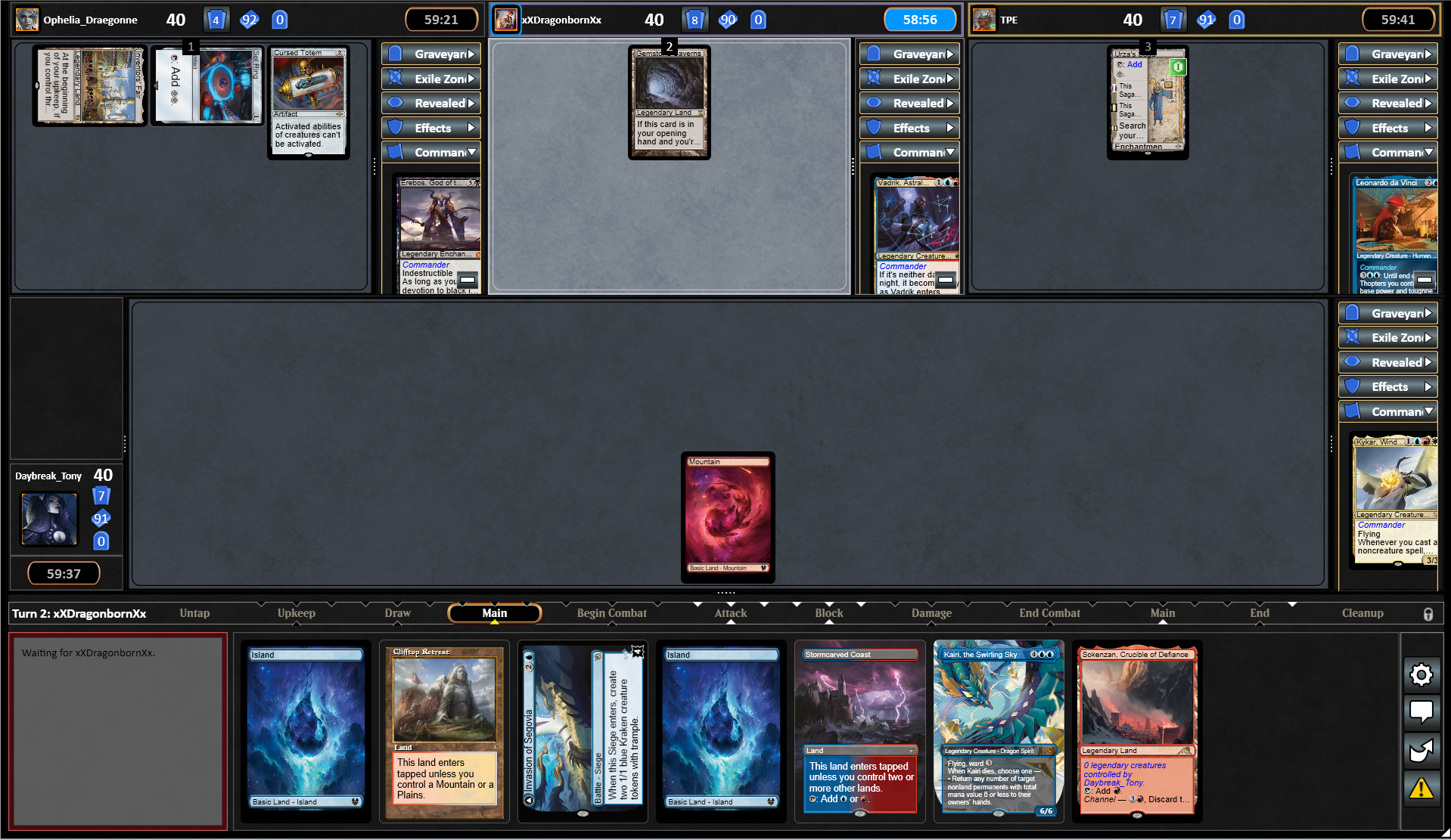
Your battlefield is in a similar position, while your opponents are split across the top half of the screen. Zones do not pop out, but instead can be toggled open or closed. Your graveyard is duplicated on the left side above your avatar for ease of use. Settings, Chat, etc are found at the bottom-right beside your hand.
There are a few ways to re-size the window to maximize card size - here is one example:
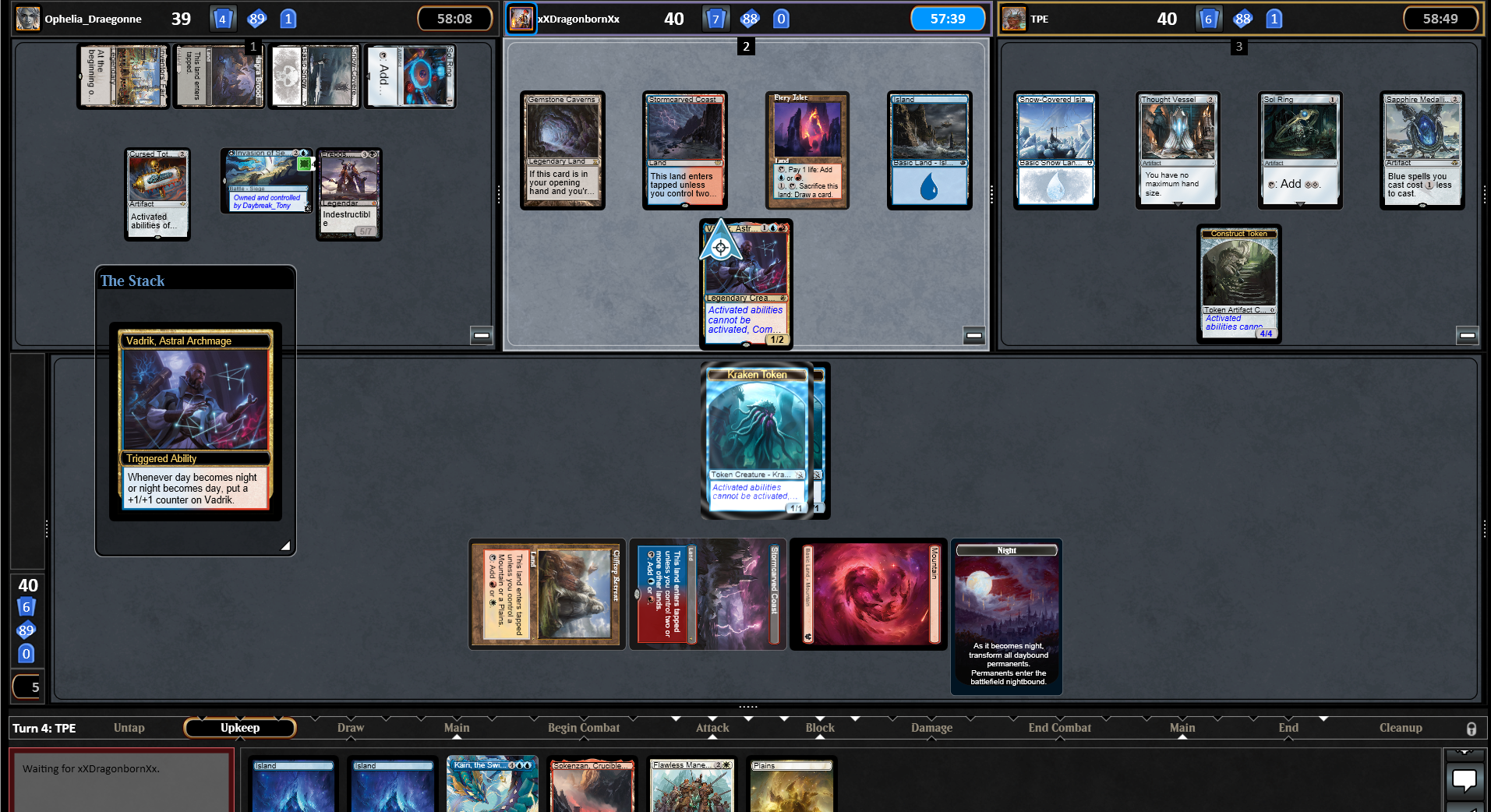
The +/- button at the bottom-right of each opponent's section can be toggled to hide that opponent - this makes the remaining players' zones larger.
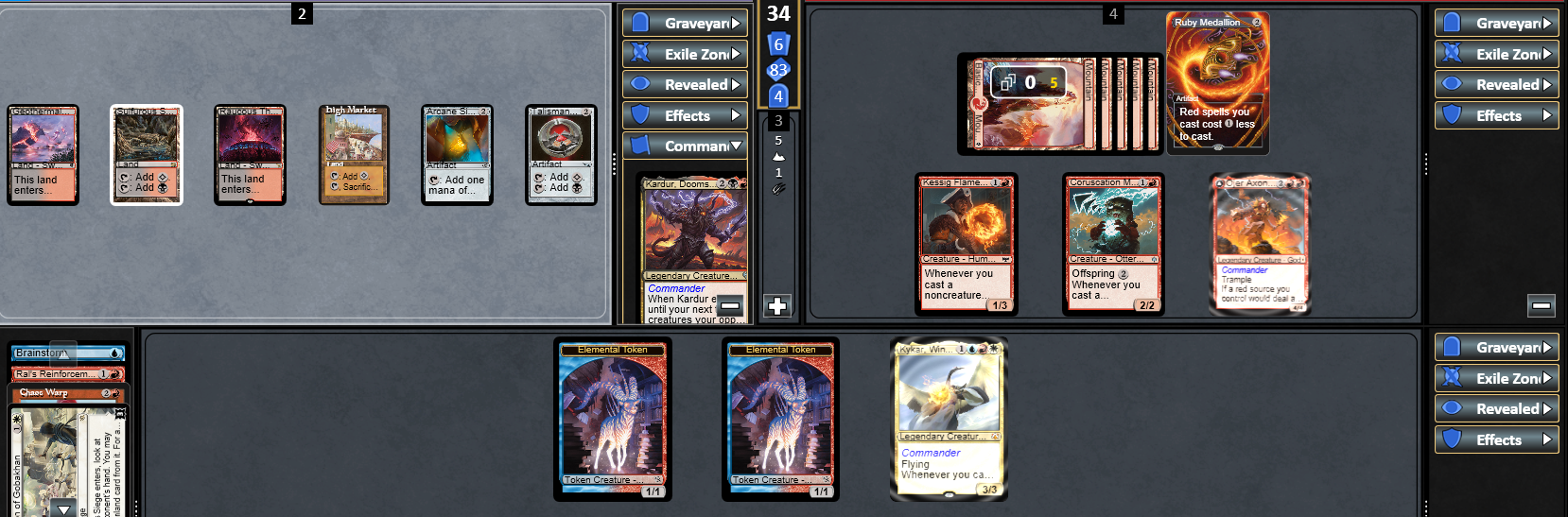
Turn order and priority passes run clockwise - up to the left, then all the way across, and then back down to you.
Also unlike the Duel Scene, the battlefield highlights for the player who currently has priority, not the player whose turn it is.
Here is an example of a mid-game battlefield view:
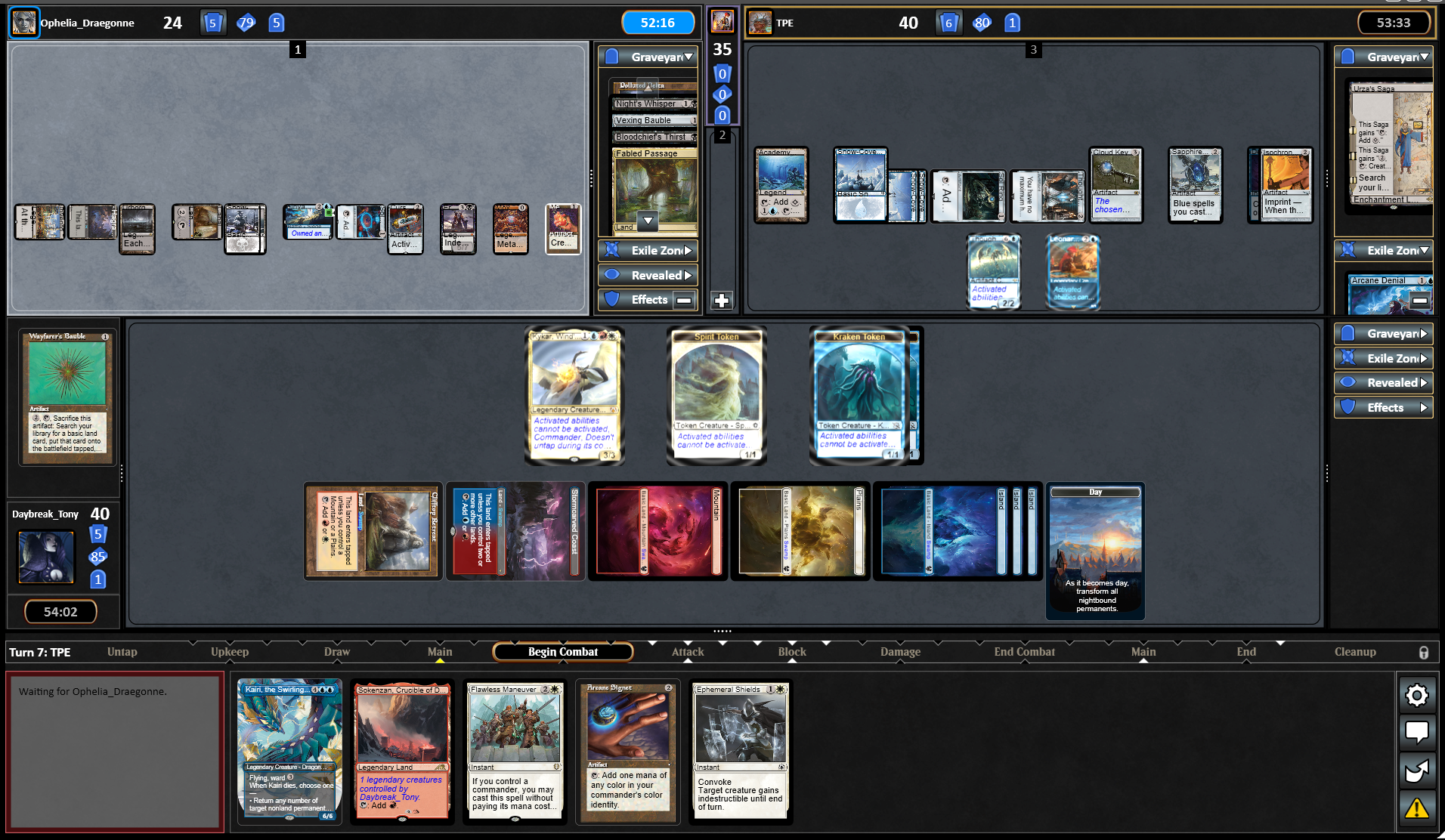
The game re-sizes opponents' permanents as needed to keep everything visible - use Hover Zoom liberally to ensure you can fully understand the game state.
Commander Options & Displays
Additional options and displays are available when you play in a Commander, Duel Commander, or Brawl game. Right-clicking the shield icon within your avatar will detail the sources of Commander damage.
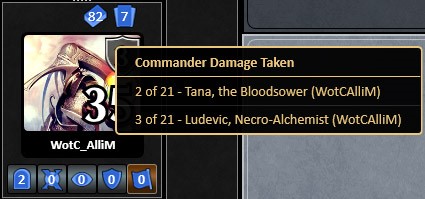
Rather than producing a prompt every time your Commander would leave the battlefield, you get to pre-set the destination of your deck’s leader. The default choices are listed below.
If {COMMANDER NAME} would change zones, it goes to …
- Hand, not command zone
- Command zone instead of graveyard
- Command zone instead of library
- Command zone instead of exile zone
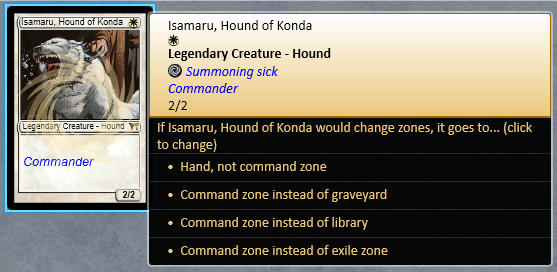
Any time you have priority, you can right-click your Commander, then left-click an option to toggle the zone change.
Note: This must be done while you still have priority to take effect when the zone change occurs – you won’t have a chance to change your mind while your opponent is thinking or while a spell or ability is resolving.